


Felixspin App for Mobile Casino Access
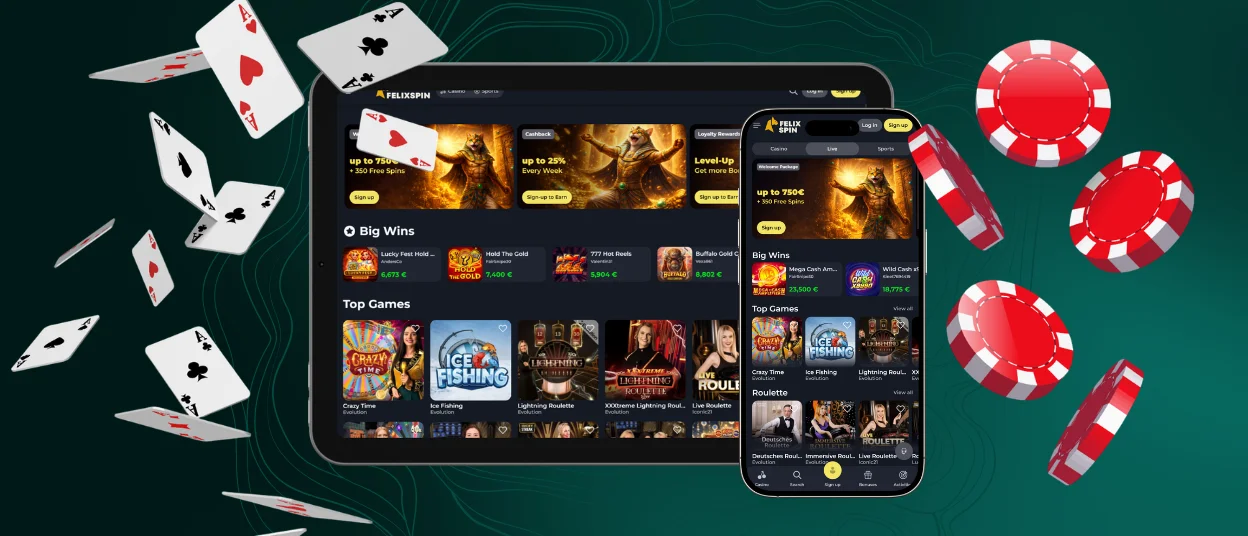
The Felixspin app gives players quick mobile access to casino games and sportsbook markets without a store download. We use a browser-based PWA format, so you can add the platform to your home screen and open it from a saved icon.
Felixspin Casino keeps the mobile route close to the main website. Balance details stay connected to your account. Favorites and payment history also sync to the same profile, which makes the app useful for short sessions and daily account checks.



Mobile Casino Access vs. Desktop Play
Mobile access works best when speed matters. A saved icon removes the need to search for the site each time, and the app-style window gives more space than a normal browser tab. This helps when you want to open a game, check a balance, or return to the cashier during a short break.
Desktop play still has clear value. A larger screen is more comfortable for live tables, long-term and detailed account pages. The Felix Spin app is better for quick access, and a PC or laptop gives more space for longer sessions.
Why Players Choose Mobile Application
A browser tab works impeccably. Still, for many users, a saved shortcut feels more direct. The mobile format keeps the most-used actions close, so players spend less time moving through menus.
This is where the app-style route becomes useful in practice. It keeps the same account flow, but removes small steps that usually slow down mobile use.
| Mobile task | How the app-style route helps | Practical result |
| Start a short session | Opens from a saved icon | Less time before play |
| Browse the lobby | Uses touch-friendly spacing | Easier scrolling |
| Check payments | Keeps the cashier easy to reach | Faster account checks |
| Return later | Uses your regular profile | No second account needed |
The mobile version is not only about speed. It also helps when you want a lighter screen, fewer browser elements, and a direct route back to the same platform.
What to Check Before Using Mobile Access
Before you add the shortcut, prepare the device. Use an updated phone or tablet and make sure the browser is current. A stable connection matters, especially for live games and payment pages.
For the best result, check these basics first:
- keep enough battery before longer play;
- use stable Wi-Fi or strong mobile data;
- update Chrome on Android or Safari on iOS;
- keep some free storage for browser cache;
- use a device lock for safer access.
The Felixspin application works best when the device is not overloaded. Close unused apps if the phone feels slow. After that, add the shortcut from our website and use it as your mobile entry point.
Felix Spin Application for Android
On Android, the Felixspin app works best through Chrome or another modern browser. Open our website, tap the browser menu, and choose Add to Home Screen or Install App. Confirm the icon name, then launch the saved shortcut.
After setup, the icon opens the mobile lobby with fewer browser elements. You can sign in, browse games, use the cashier, and contact support from the same mobile route. Keep your browser current, especially if live streams or payment pages feel slow. Android system updates also help the PWA open cleaner and load new website changes correctly.
Safe Android Access Without a Felixspin APK
You do not need a Felixspin APK for mobile play. The browser setup already gives app-style access through a PWA shortcut. Avoid APK files from outside websites because they can send you to outdated pages or fake copies of the casino. Start from our website, add the shortcut there, and keep your phone security settings unchanged.
iOS Setup for iPhone and iPad
On iPhone and iPad, use Safari for the cleanest setup. Open our website in Safari, tap Share, choose Add to Home Screen, and confirm the saved icon.
The Felix Spin app keeps the iPhone screen focused on the mobile flow. Game tiles stay easy to scan. Account tools remain close enough for quick checks during a short session.
iPad gives more room for live tables and sportsbook pages. This makes category browsing more comfortable, but the shortcut still keeps access simple.

Desktop Access on Windows and macOS
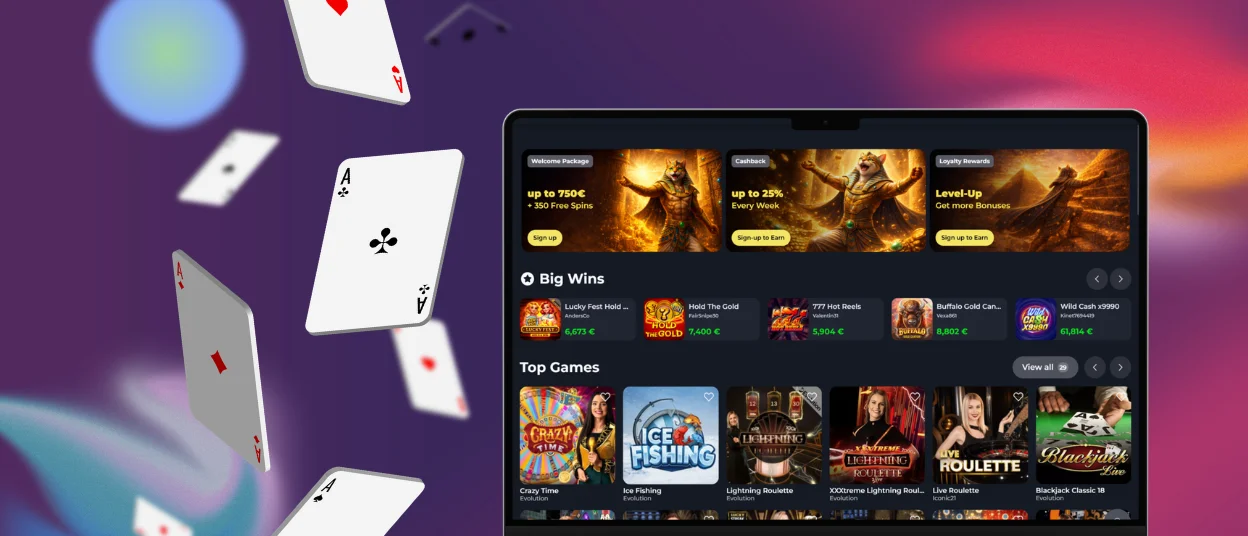
A desktop screen is useful when you want more space. It helps with live games, long promotion terms and account pages that need more careful reading.
You do not need a separate desktop client. Open the site in Chrome, Edge, Safari, or Firefox and keep the browser updated. Some browsers also let you pin the website or create a desktop shortcut.
The Felix Spin application format focuses mainly on mobile access. Desktop use still stays connected to the same account, so you can move from phone to laptop without changing your login route.
PWA Safety Checks at Felixspin
PWA access keeps the setup light because updates come through the website. It also helps players avoid unknown download pages. Good device habits still matter.
| Safety point | What to do | Why it helps |
| Source | Add the shortcut from our website only | Reduces fake app risk |
| Browser | Keep Chrome or Safari updated | Improves security |
| Device lock | Use a passcode or biometric lock | Protects saved access |
| Payments | Check the amount before approval | Prevents simple mistakes |
| Shared device | Log out after play | Keeps the account private |
The Felixspin application uses the official website connection. This means players do not need to wait for manual app updates or search for new files.
Touch-Friendly Lobby and App View
The mobile layout is built for smaller screens. Buttons need to feel easy to tap, and menus should not cover the game area.
Useful mobile details include:
- compact menu paths;
- readable game cards;
- search access from the lobby;
- favorites for quick return;
- cashier access from the profile.
Touch controls matter most during short sessions. The layout helps you move from a slot to live chat or the cashier without opening too many screens. It also keeps the Felix Spin casino experience familiar when you return from desktop to mobile.
Device Compatibility and Sync
The Felix Spin application works through updated browsers on Android and iOS. Tablets use the same mobile route, and Windows and macOS work through the main website. A stable connection gives the best results for live dealer games. Slots and instant games need less data.
Older phones can still work when the browser is current. Close unused apps if loading feels slow. Refresh the page after that. Your login keeps account data connected, so you do not need a separate mobile profile.
FAQ
Do I need Google Play or the App Store?
No. The mobile version works through our website. Add the shortcut from your browser and open it from the home screen.
Can I use the Felixspin app for casino and sportsbook?
Yes. The same mobile route gives access to casino games and sportsbook markets after login. Use the menu to switch between sections.
Why does a payment page open outside the shortcut?
Some payment checks open in a normal browser tab because the wallet requires its own secure confirmation page. Complete the step there, then return to the Felixspin app from the saved icon.
What can I do if the shortcut disappears?
Add the shortcut again from ourl website. Open the site in your browser, use the home-screen option, and save the icon again. This does not create a new account or change your balance. The icon only opens the platform. Your account data stays linked to your profile.
What should I do if the mobile page does not load correctly?
Refresh the page first. If the same problem persists, close the Felixspin app shortcut and open the website in your browser. This usually fixes loading issues after an update or a weak connection. If the page still does not work, clear your browser cache and try again.


